-
Type:
Bug
-
Status: Closed
-
Priority:
 Low
Low
-
Resolution: Bug Fixed
-
Affects Version/s: None
-
Fix Version/s: None
-
Component/s: UI Refresh
-
Labels:None
-
Environment:Others
-
Bug Type:Functional
-
Bug Severity:Medium
-
Level:Admin
-
Module:DashBoard
-
Reported by:CareerBuilder
-
Company:All Clients/Multiple Clients
-
Item State:Production QA - In Testing
-
Browser:Google Chrome
-
Code Reviewed By:Vijayendra Shinde
Steps to reproduce:
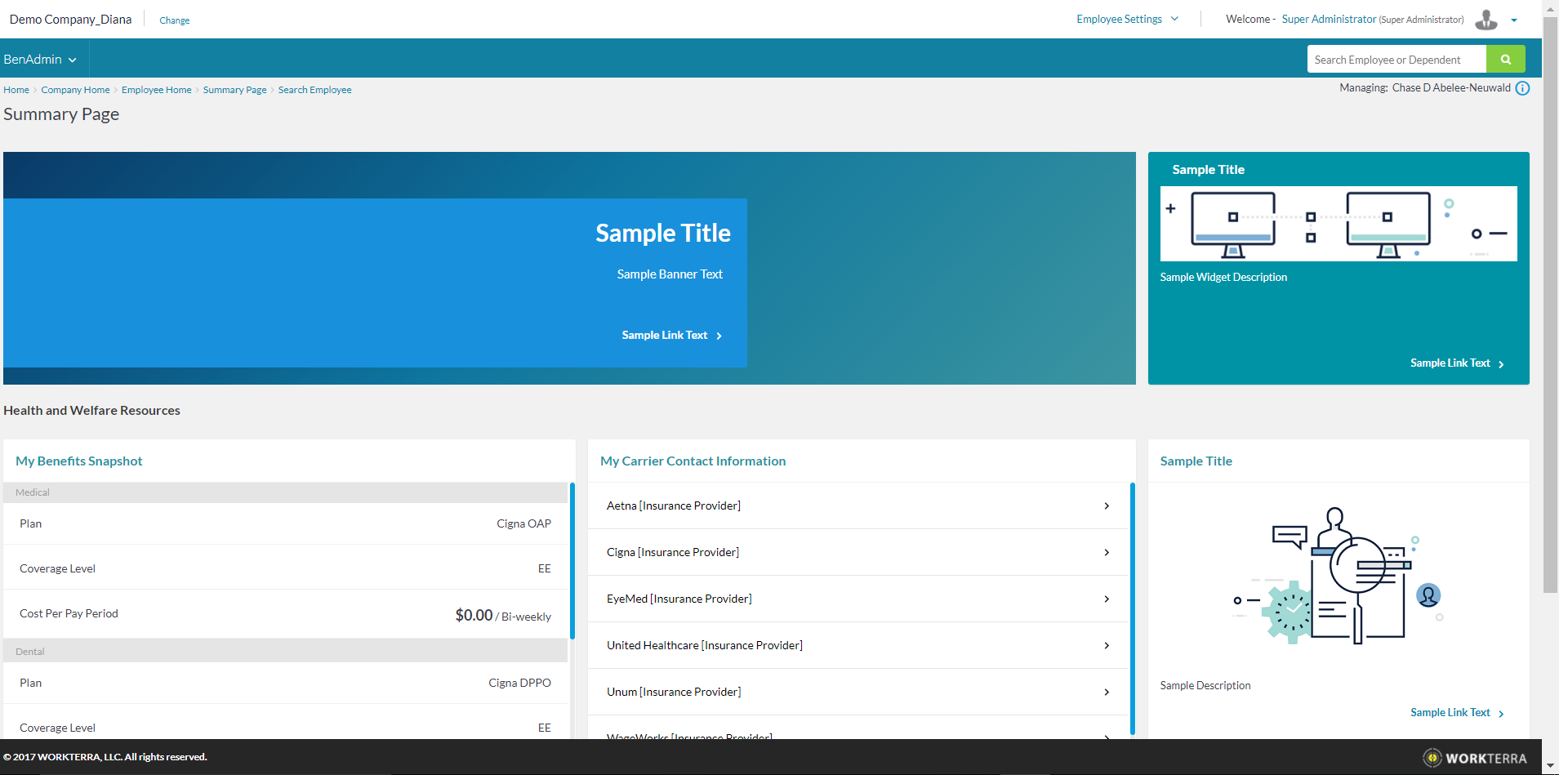
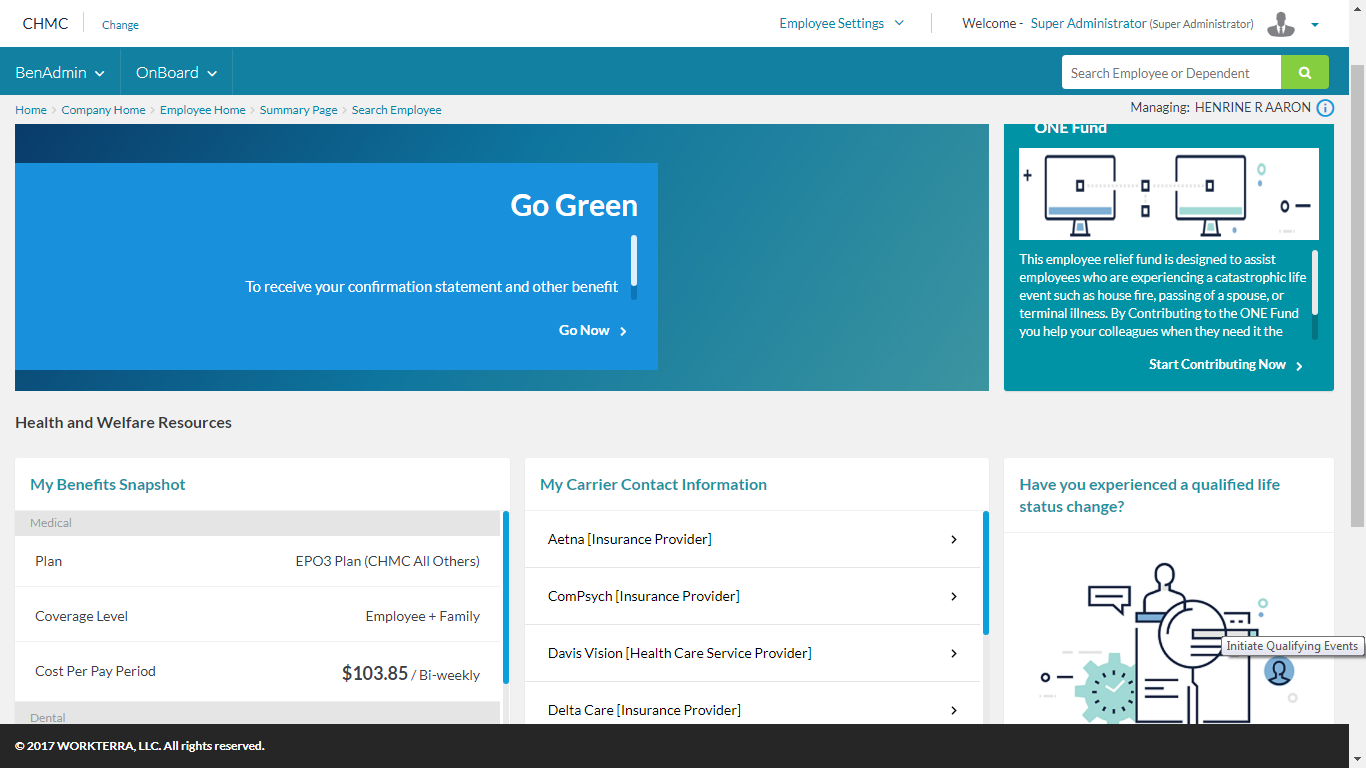
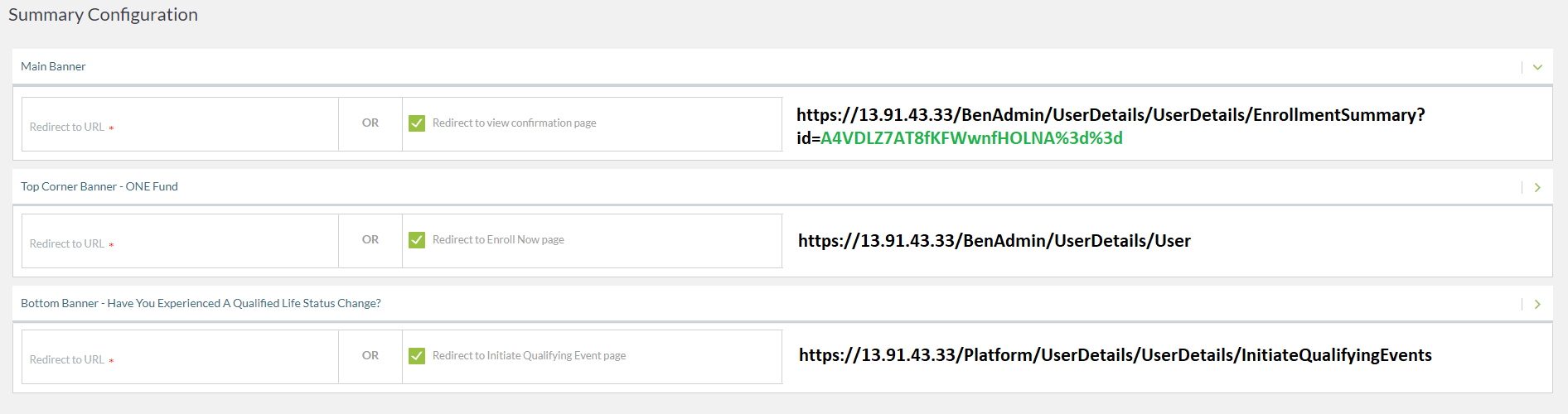
Log in as Partner. Access account ‘Demo Account_Rob’. Click on ‘Systems Settings’ from ‘Company Information’ under ‘Company Settings’ and activate ‘Display Summary Page’. Click on ‘Summary Configuration’ under BenAdmin Navigation. Go to Admin Hompage and click on the icon for first employee Abelee-Neuwald under ‘Manage Employee’ widget. Click on ‘Summary Page’ under BenAdmin Navigation.
Notes:
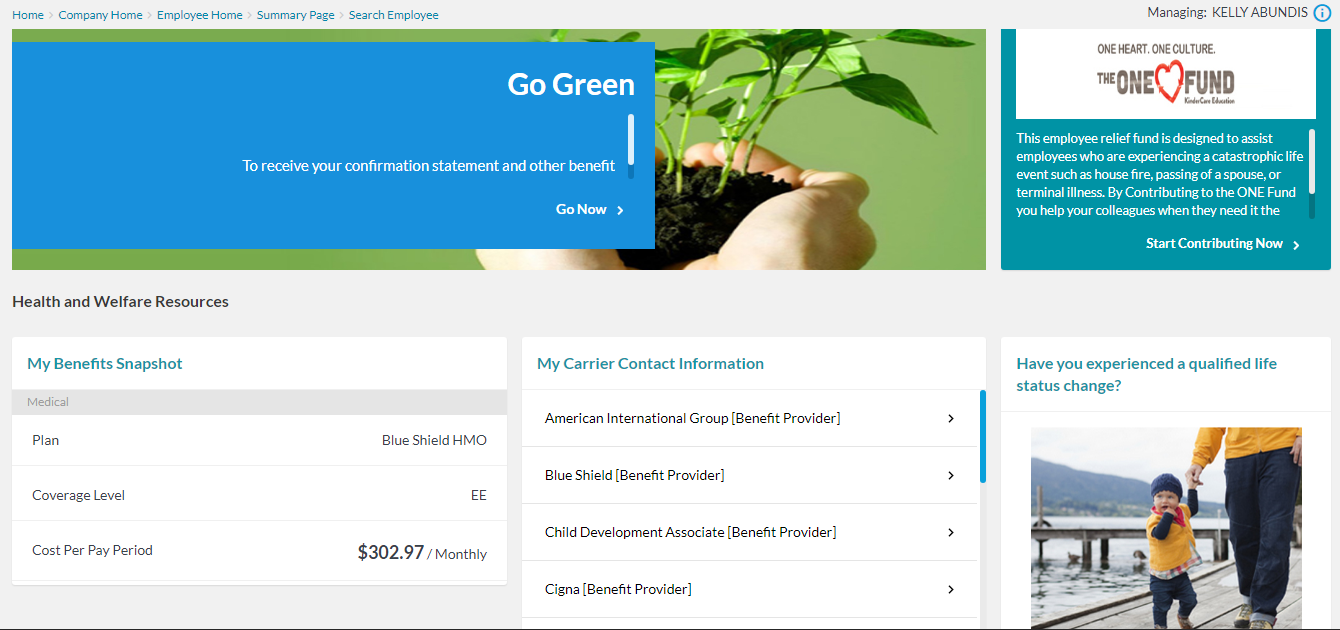
- When you go to the ‘Summary Configuration’ page on the admin dashboard, you will notice that all three sections are populating the images and content from Kindercare.
- When viewing as employee at 1:51, you can see all the KinderCare information banners and widgets are showing on Rob’s account.
Action:
1. Please ensure that any changes made on another account will not affect KinderCare.
2. Please ensure that when they access this page, no content is pre-populated.
Reference: Video 1 Timing 1:10




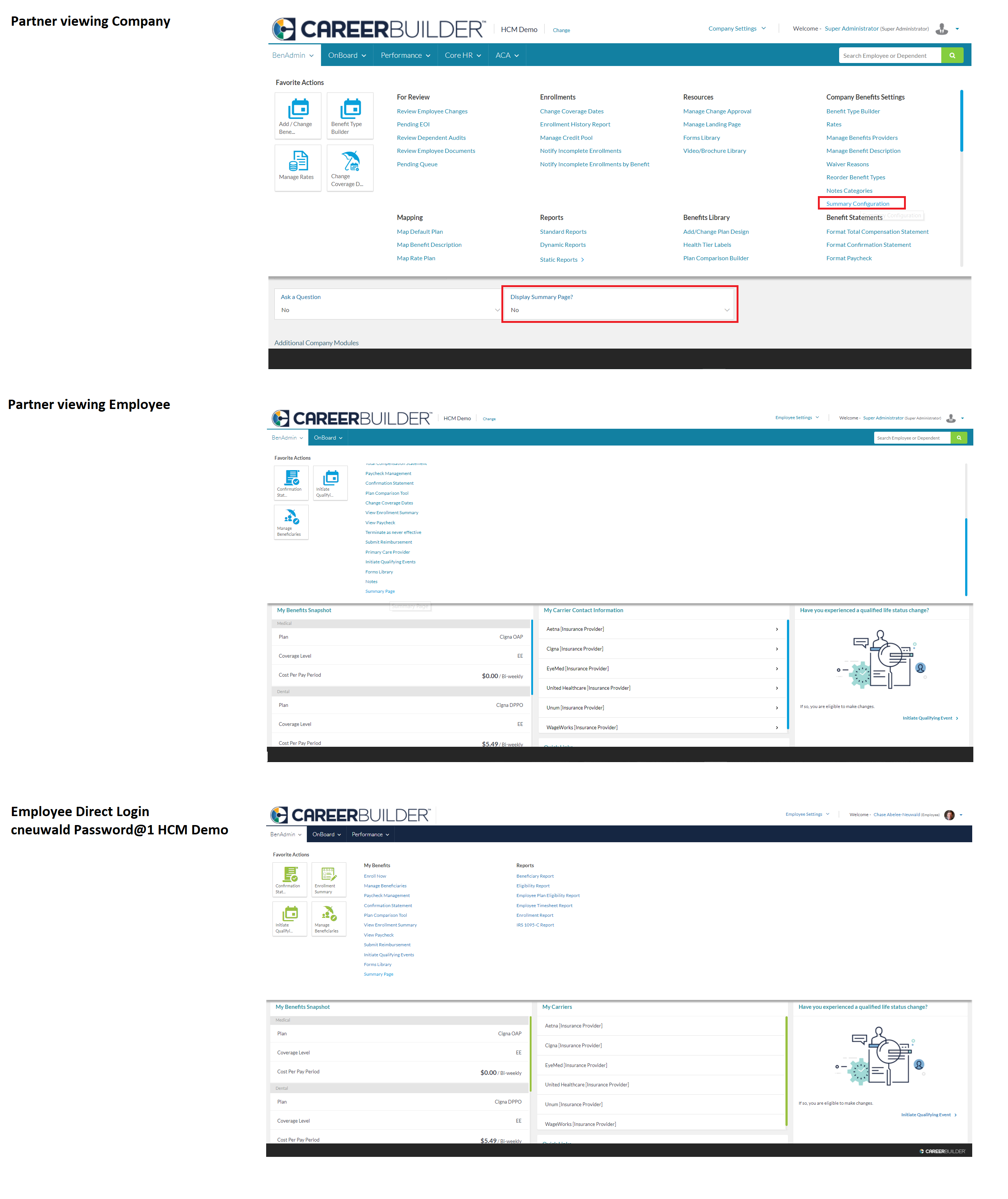
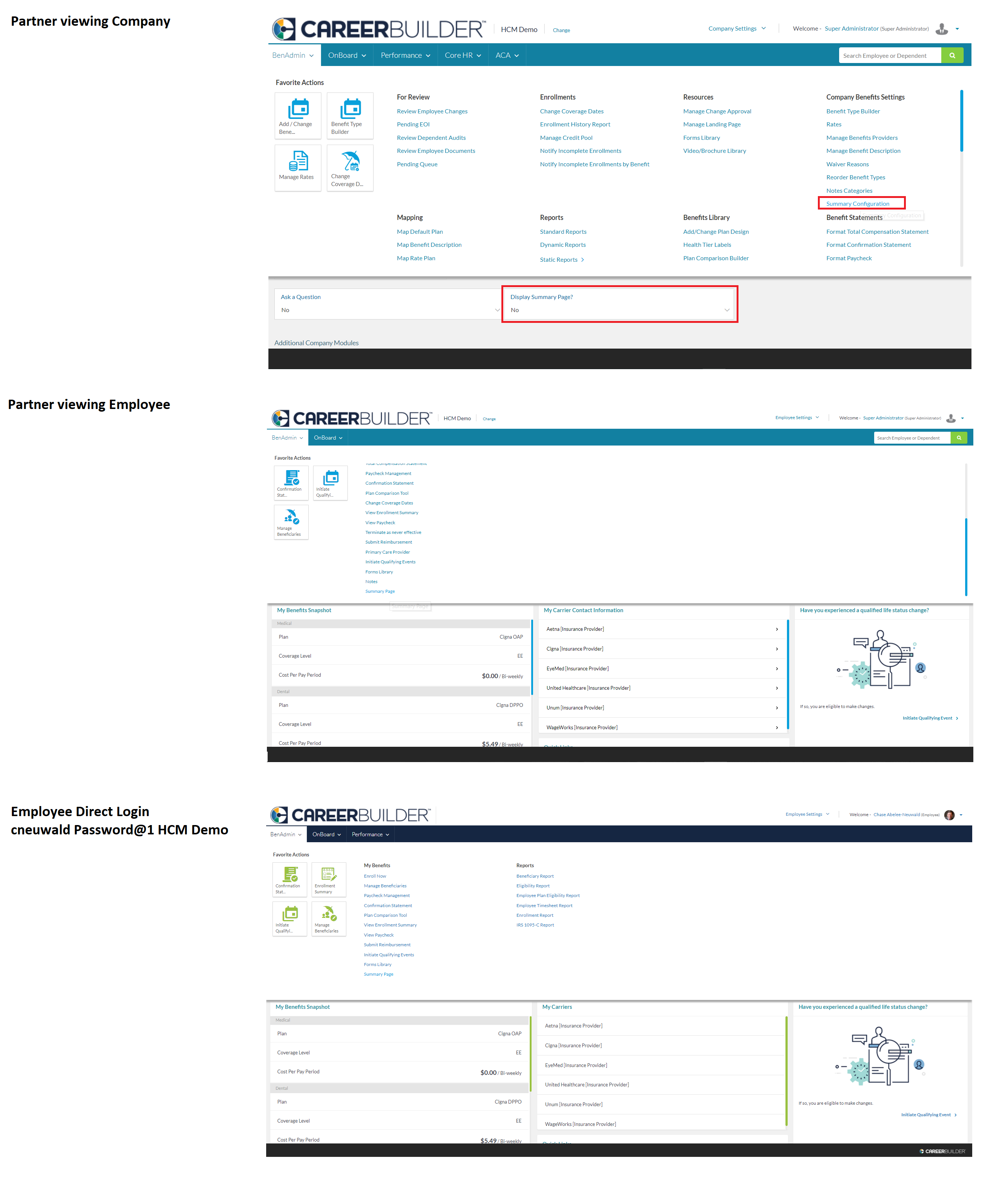

- relates to
-
-

- Production Complete
-
