-
Type:
Bug
-
Status: Resolution Setting
-
Priority:
 High
High
-
Resolution: Done
-
Affects Version/s: None
-
Fix Version/s: None
-
Component/s: UI Refresh
-
Labels:None
-
Environment:QA
-
Bug Type:Functional
-
Bug Severity:Medium
-
Level:Partner
-
Module:BenAdmin - Export
-
Reported by:Harbinger
-
Company:All Clients/Multiple Clients
-
Item State:Stage QA - Production Deployment on Hold
-
Issue Importance:Must Have
-
Browser:Google Chrome
-
Code Reviewed By:Ganesh Sadawarte
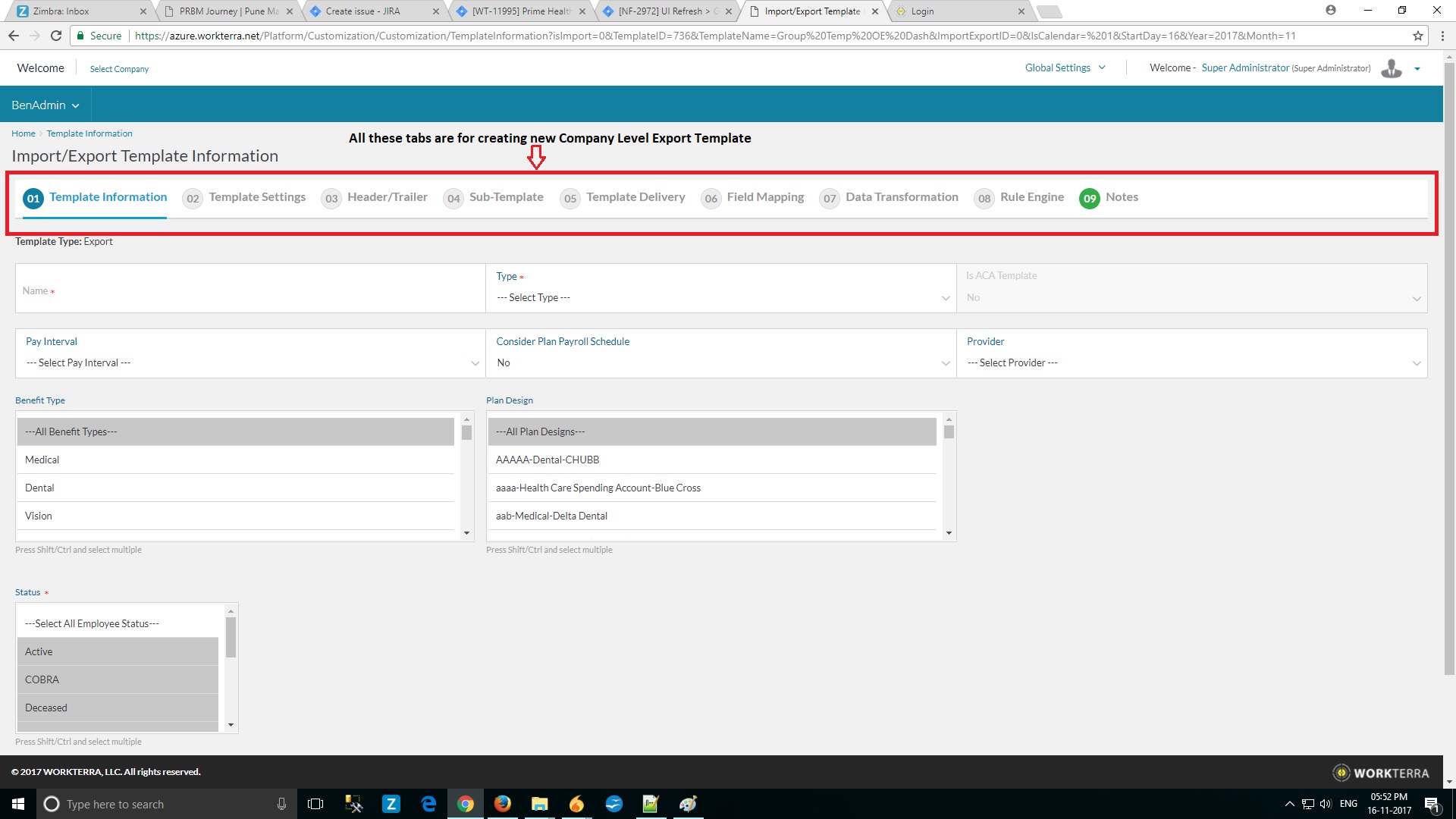
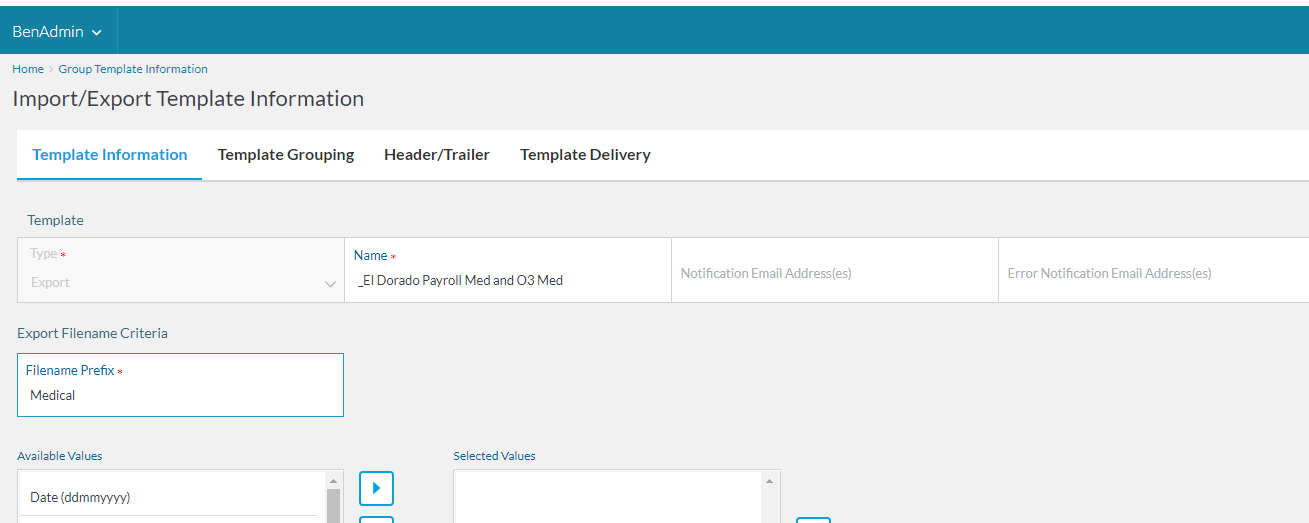
Summary : Click on Template Names displayed on Global Level View Calendar navigates to blank company level export template . Just like it is displayed while creating new export template on company information . Please check below screenshot
Steps to regenerate :
1) Click on Global Level View Calendar
2) Click on Export OR Import displayed on view calendar for monthly or weekly view
3) Individual Group Template names for that day will be displayed
4) Click on any of the template name
Result : Create new company level export template tabs displayed instead of displaying the actual group template tabs. Please find attached screenshot for the results