-
Type:
Bug
-
Status: Closed
-
Priority:
 Critical
-
Resolution: Done
-
Affects Version/s: None
-
Fix Version/s: None
-
Component/s: Integrations
-
Labels:None
-
Module:TSR
-
Reported by:Harbinger
-
Item State:Production Complete - Closed
-
Issue Importance:Q1
1. Add user through API on Stage environment.
2. Login with user and start tour traversal.
3. Login with company Admin
4. Search for the same employee.
5. Go to Employee Dashboard
6. Click on I-9 form menu at employee level.
Actual Result:
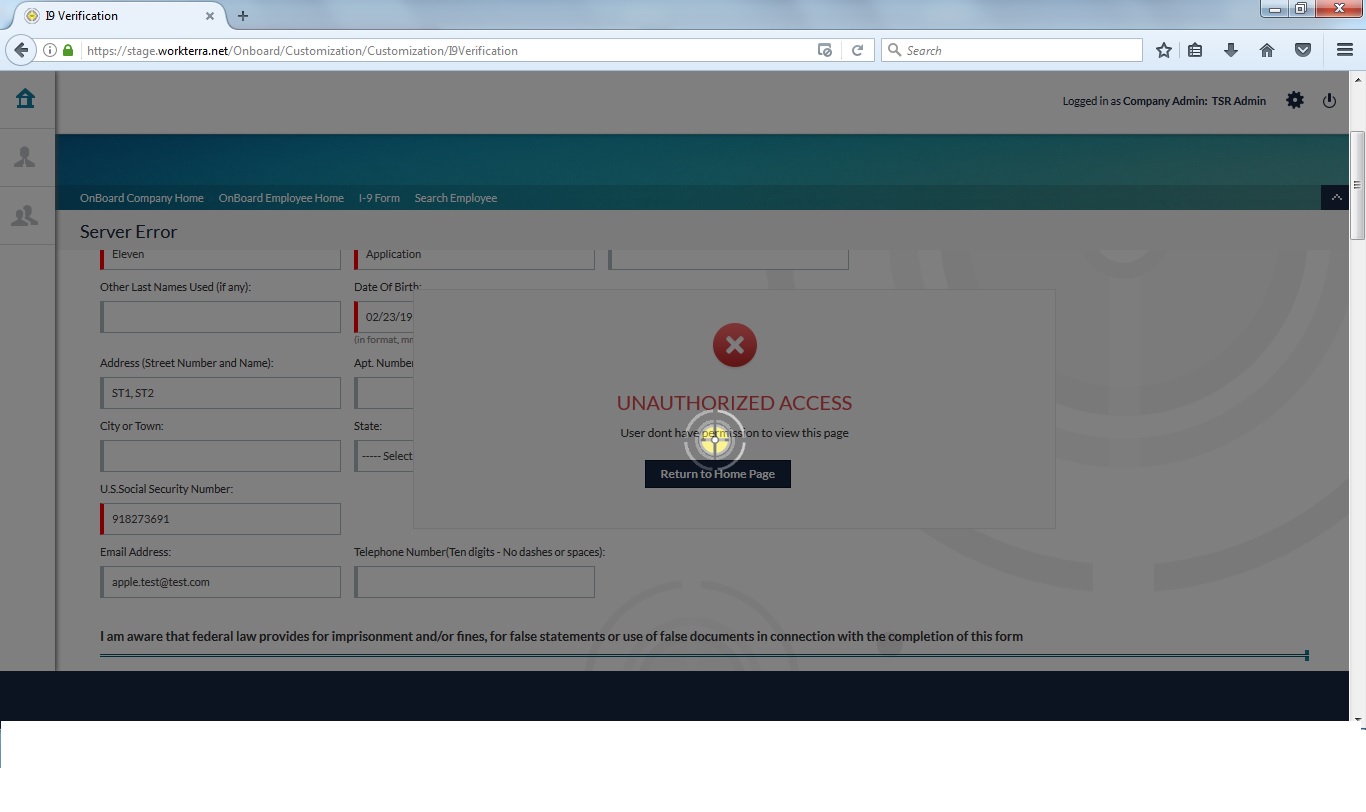
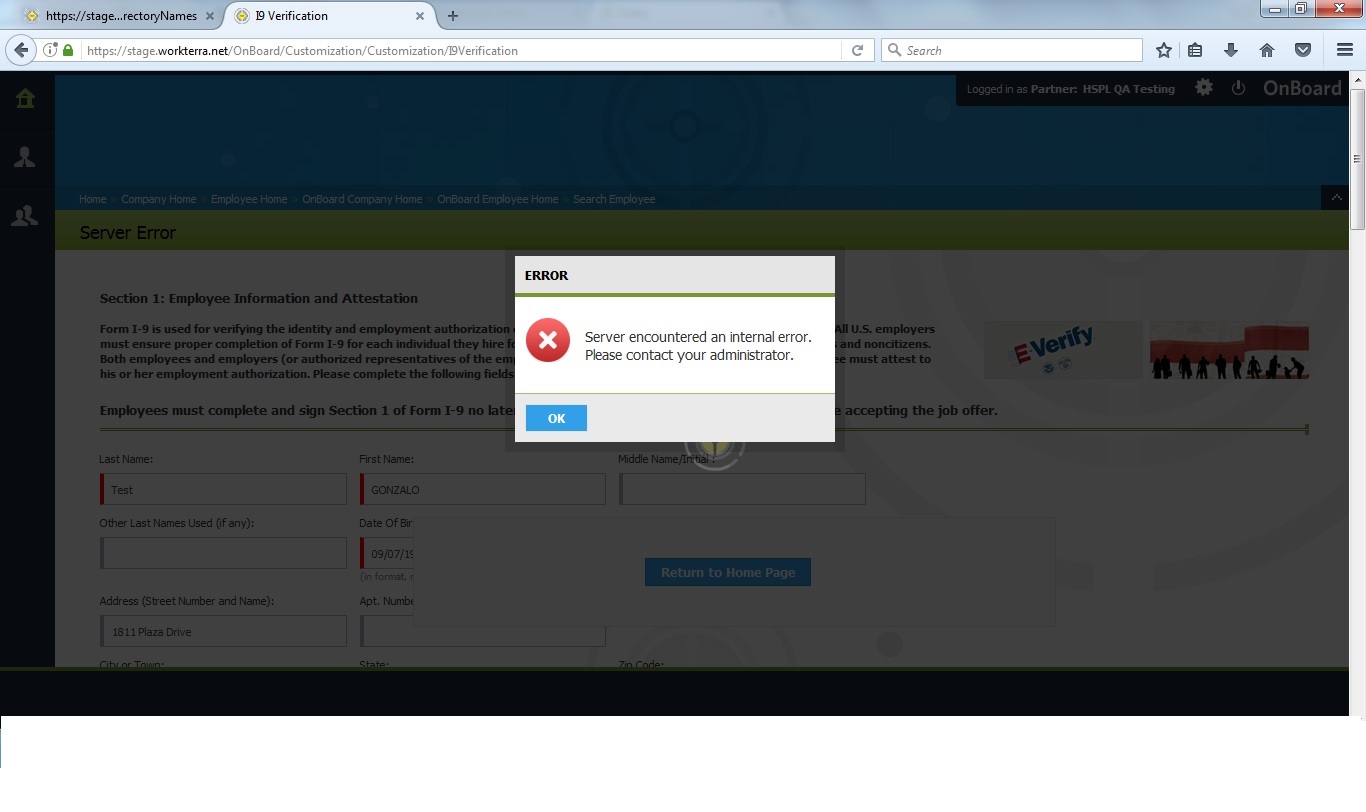
Server error is displaying.
Expected Result:
Server error should not be display.
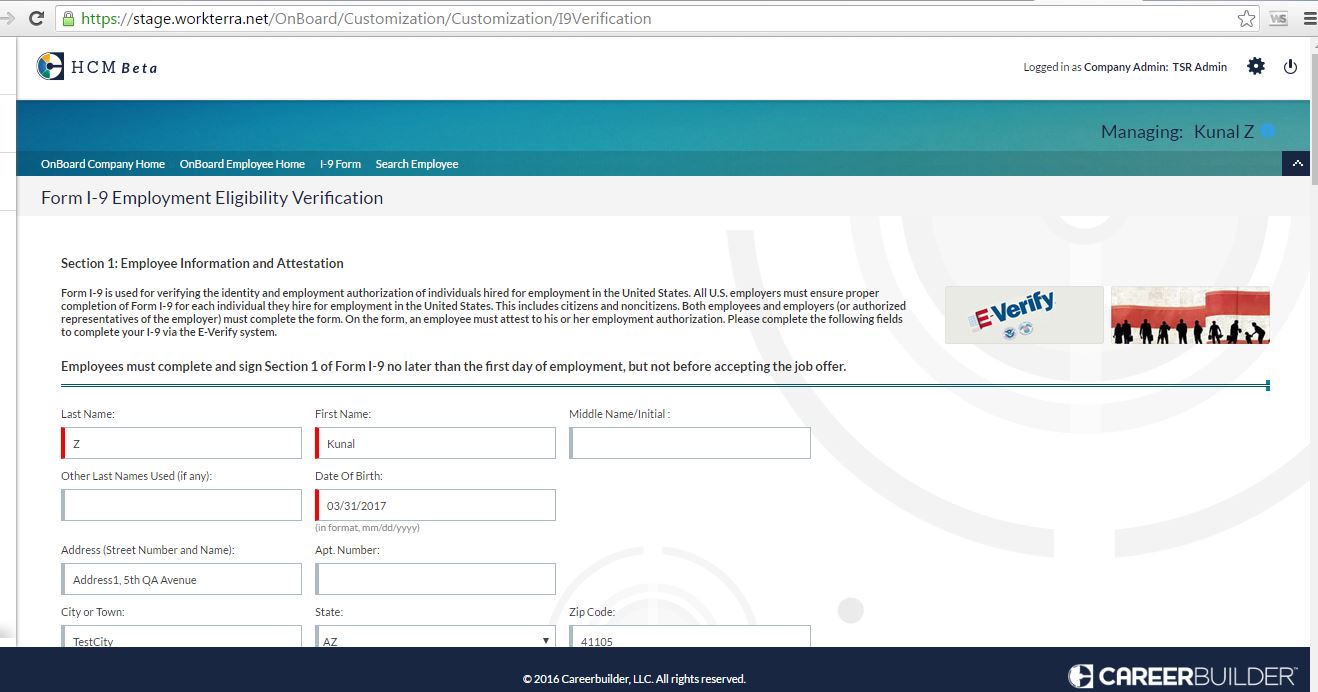
Refer attached screenshot and error log for more details.