Uploaded image for project: 'WORKTERRA'
  1. WORKTERRA
  2. WT-3836

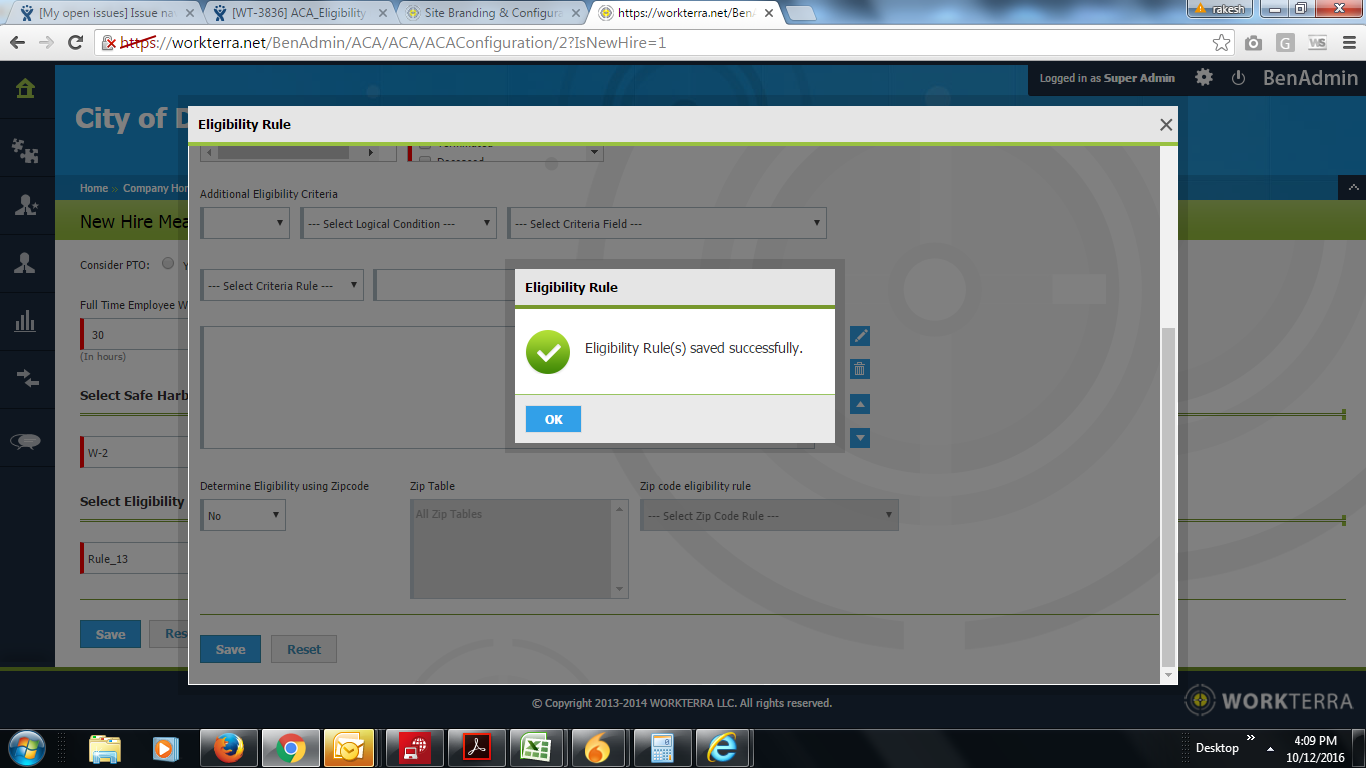
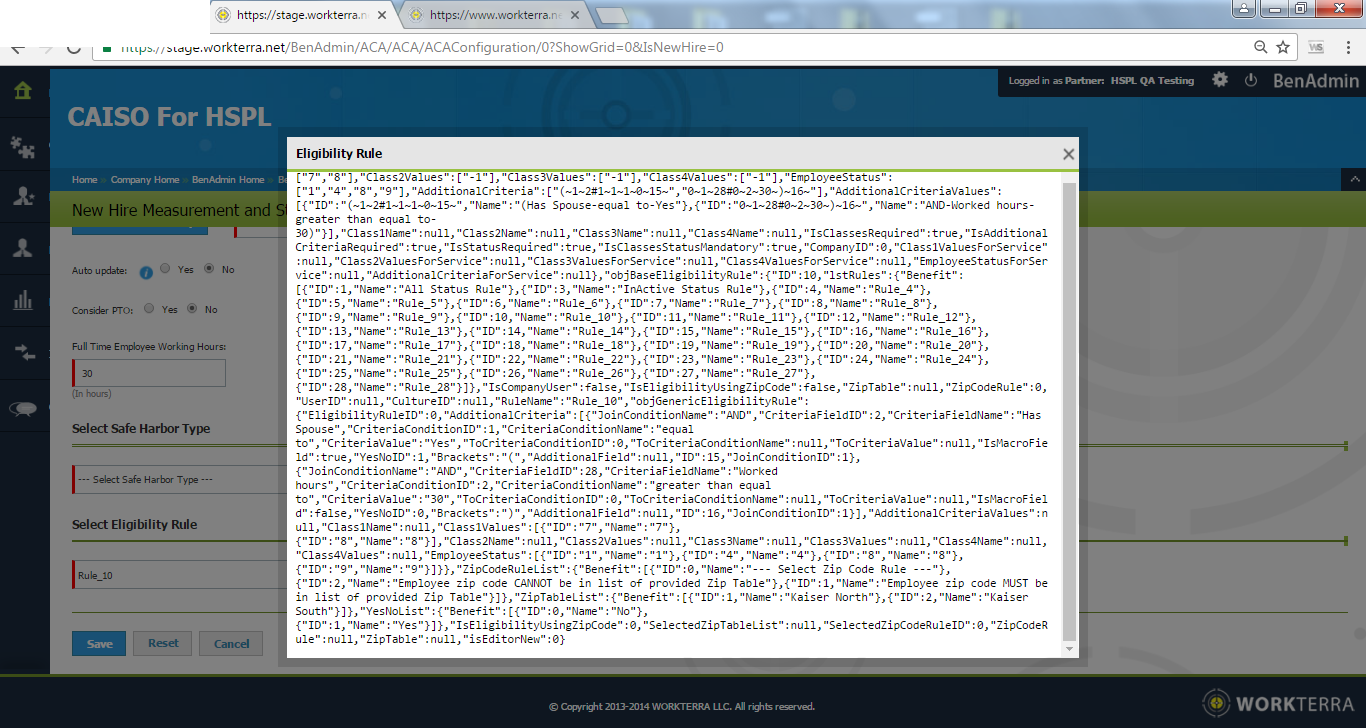
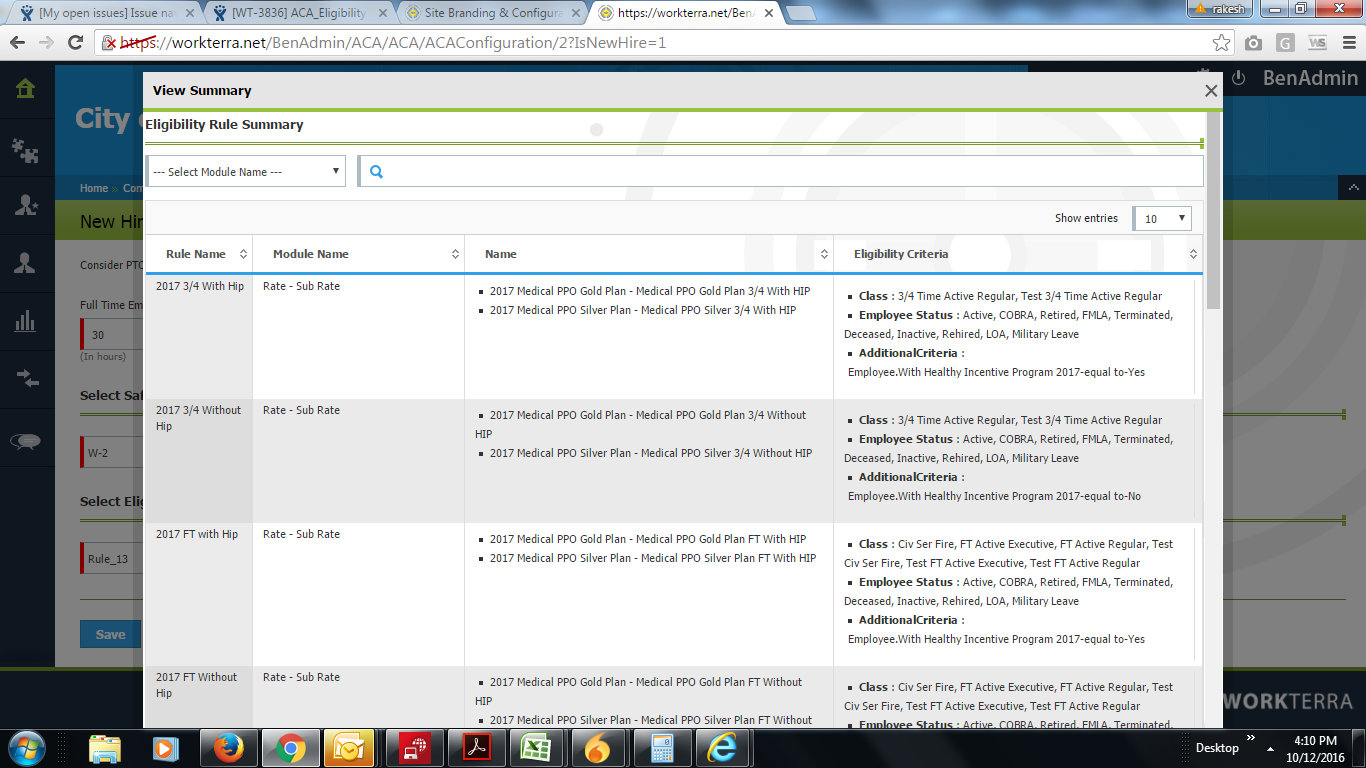
ACA_Eligibility rule is not displaying properly

    XMLWordPrintable

    Details

    • Type: Bug
    • Status: Closed
    • Priority: Medium
    • Resolution: Done
    • Affects Version/s: None
    • Fix Version/s: None
    • Component/s: ACA
    • Labels:
      None
    • Environment:
      Stage
    • Module:
      ACA - Reports
    • Reported by:
      Harbinger
    • Item State:
      Production Complete - Closed
    • Issue Importance:
      Must Have
    • Code Reviewed By:
      Neelam Yangal

      Description

      1.Login to Stage.
      2,Edit company say 'City of Irvine'.
      3.Navigate to Home >>Company Home>>BenAdmin Home>>BenAdmin Company Home>>ACA
      4.Click on Measurement & stability Tile.
      5.Click on already added New Hire Rule or add New Hire rule.
      6.Edit eligibility rule.
        Attachments

        1. Prod_Pass2.png
          Prod_Pass2.png
          251 kB
        2. Prod_Pass.png
          Prod_Pass.png
          224 kB
        3. Eligibility-Stage.png
          Eligibility-Stage.png
          198 kB
        4. ASML for Hspl.png
          ASML for Hspl.png
          149 kB

          Activity

            People

            Assignee:
            smita.pawar Smita Pawar (Inactive)
            Reporter:
            smita.pawar Smita Pawar (Inactive)
            Developer:
            Varsha Shejawal (Inactive)
            QA:
            Smita Pawar (Inactive)
            Votes:
            0 Vote for this issue
            Watchers:
            5 Start watching this issue

              Dates

              Created:
              Updated:
              Resolved:
              Code Review Date: